

Download Opera Free VPN – Free Unlimited VPN, Secure Browser, Mobile & Desktop Tool
Overview
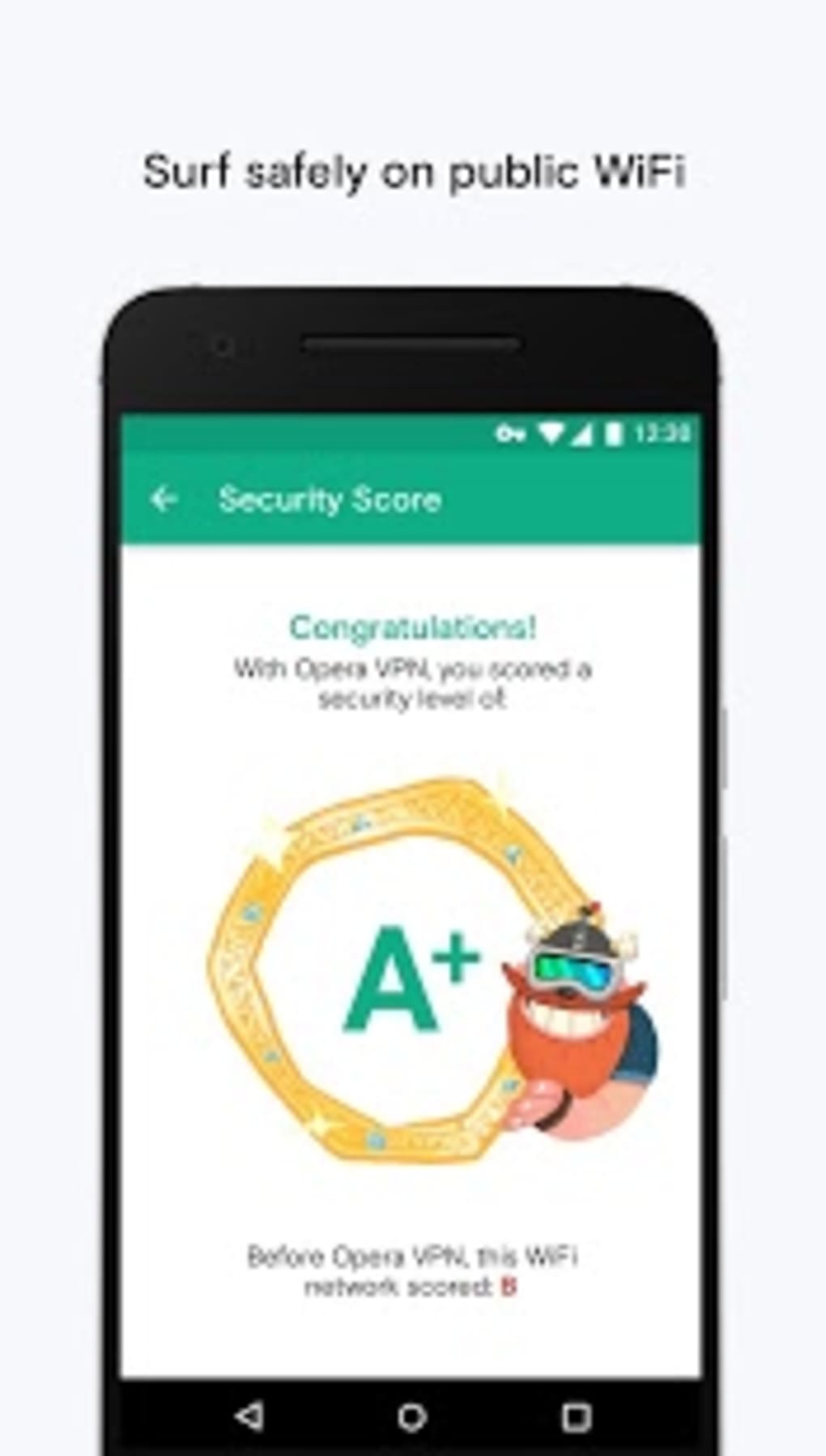
Opera Free VPN is a desktop and mobile browser that integrates a built-in virtual private network (VPN) service, offering users a secure and private browsing experience. Designed for individuals who frequently use public Wi-Fi networks, the software provides encrypted internet traffic protection without requiring additional software or account creation. The primary purpose of Opera Free VPN is to safeguard user data by encrypting communications between the device and the internet, ensuring privacy even on untrusted networks.
It is particularly suited for casual internet users, remote workers, and mobile-first individuals who value both speed and security. The browser supports both Android and iOS platforms, and its seamless integration of a free, unlimited VPN makes it a convenient choice for those seeking immediate protection without technical setup. Real-world usage scenarios include browsing securely at coffee shops, airports, or hotels, where network vulnerabilities are common.
The developer did not provide additional information about the company’s background or development history. However, the software is presented as a unified solution combining a web browser, ad blocker, tracker blocker, and secure VPN in one lightweight application. This all-in-one functionality reduces the need for multiple tools, streamlining the user experience.
Key Features & Capabilities
- Integrated Free VPN Service – Enables users to activate a secure connection directly from the browser interface with no login or extra software required.
- 256-bit Encryption – All data transmitted through the VPN is protected using the highest standard of encryption available, ensuring data integrity and confidentiality.
- No-Logging Policy – The developer claims that no browsing activity, IP addresses, or connection logs are stored, enhancing user privacy.
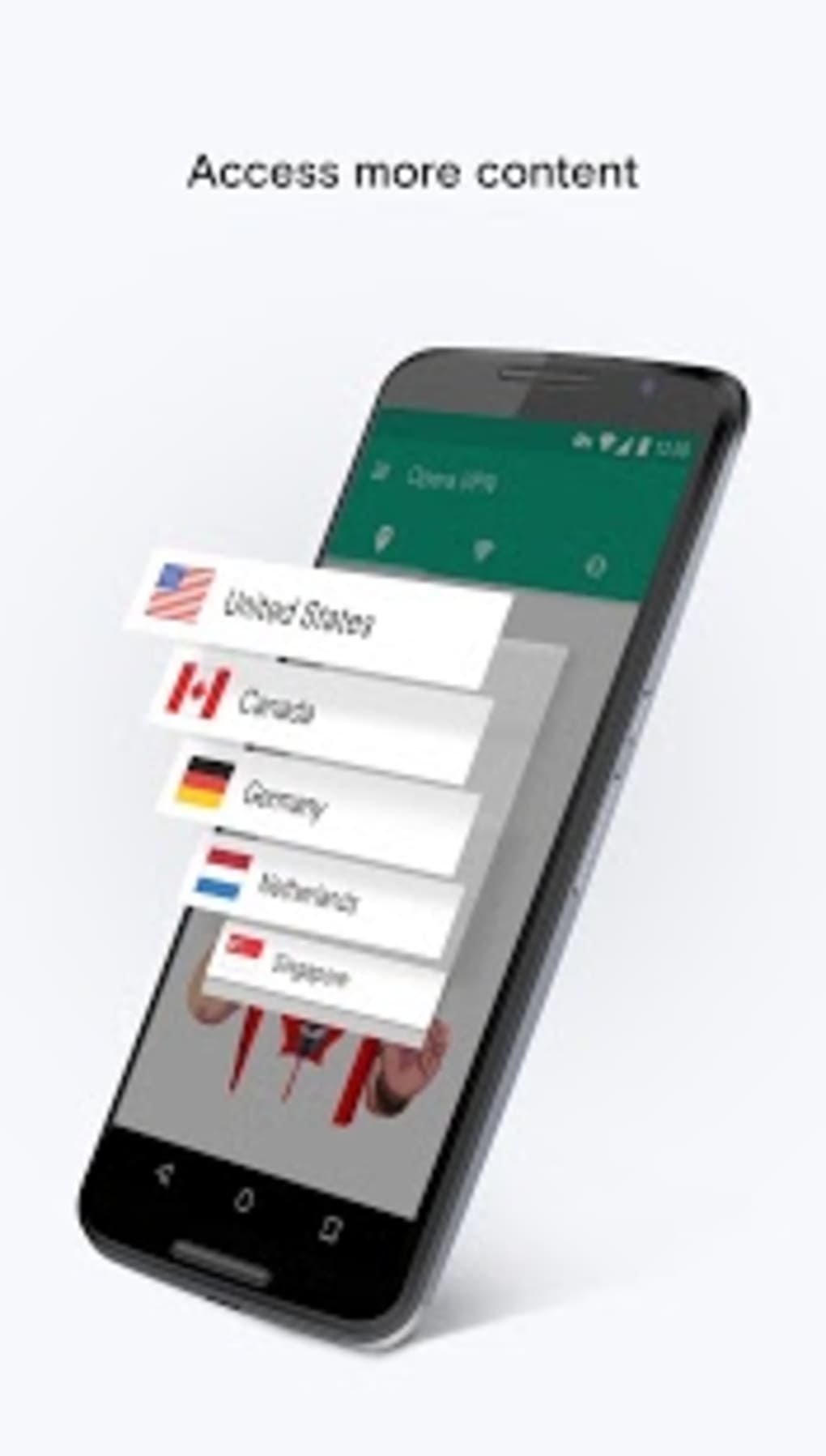
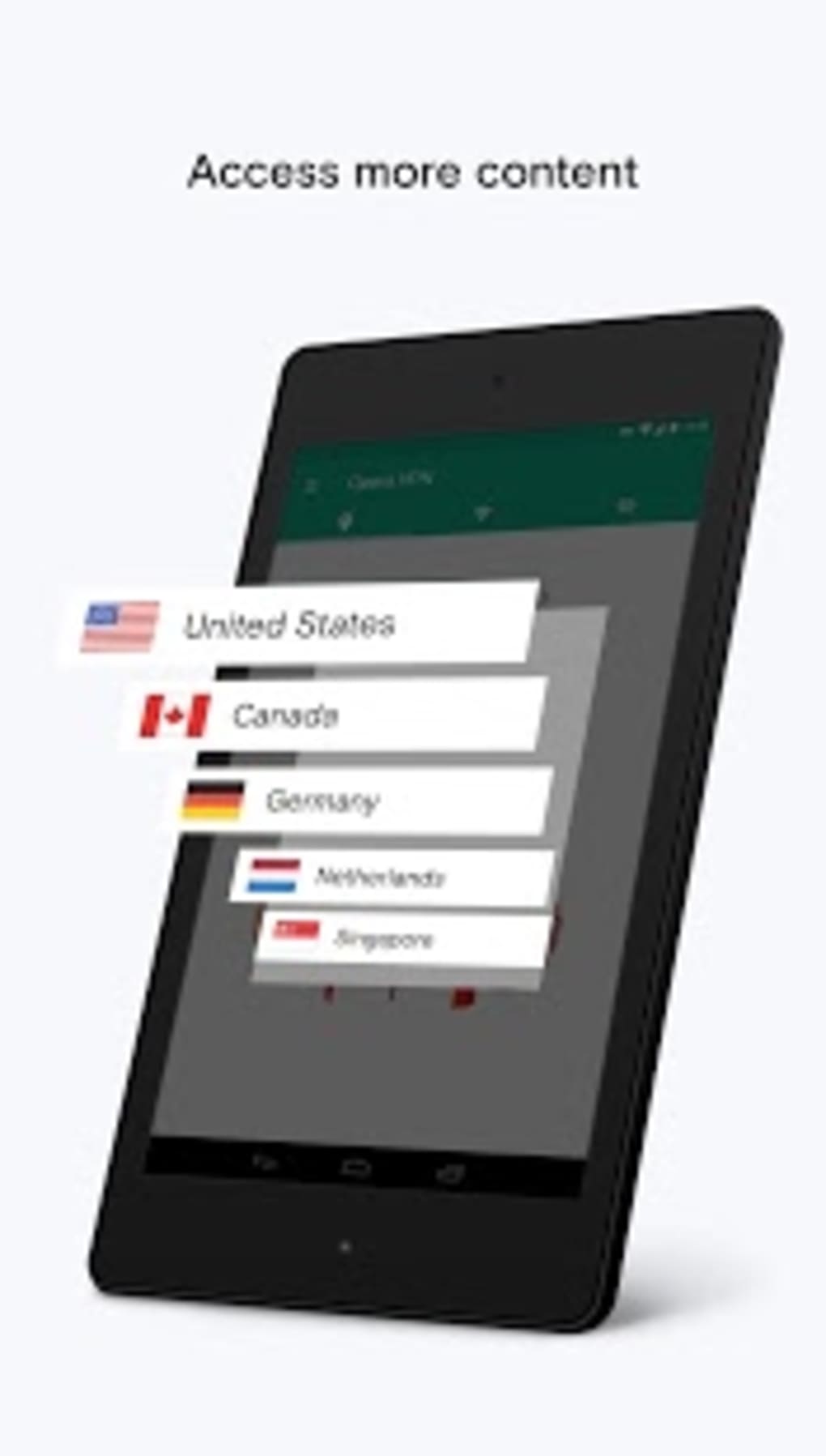
- Global Server Network – Users can connect to servers in three regions: America, Asia, and Europe, with automatic selection of the nearest server for optimal speed.
- Ad and Tracker Blocking – Built-in filters prevent intrusive ads and third-party trackers from loading, improving page load times and privacy.
- Lightweight Design – Optimized for low-end devices, ensuring smooth performance even on older or less powerful hardware.
- Cross-Platform Availability – The browser is accessible on both Android and iOS devices, allowing consistent use across mobile and desktop environments.
These features are especially beneficial in public Wi-Fi environments where data interception risks are higher. The automatic server selection helps maintain fast browsing speeds, while the manual region switch allows users to access geo-restricted content. The combination of privacy tools and secure connectivity makes Opera Free VPN a practical solution for everyday web use.
User Interface, Workflow & Performance
The user interface is designed around a clean, minimal layout, with the VPN status indicated by a blue badge located at the left end of the address and search bar. This visual cue allows users to quickly verify whether the secure connection is active. Navigation is intuitive, with straightforward access to settings, history, and privacy controls through a centralized menu.
Workflow efficiency is enhanced by the one-tap activation of the VPN feature. Users can enable or disable the service with minimal interaction, reducing friction during daily use. The browser’s lightweight nature contributes to fast startup times and responsive performance, particularly on devices with limited processing power.
The developer did not specify resource usage details. Performance observations are based on general software behavior patterns. In typical use, users may experience a slight increase in ping due to routing through the VPN server, but the difference is reported to be minimal—often just a few milliseconds. Stability appears consistent across sessions, though real-world testing data was not provided.
Compatibility & System Requirements
Opera Free VPN is available for Android and iOS operating systems. The exact version number and file size were not specified in the provided information. Installation size may vary depending on device configuration and system updates.
Compatibility information was partially provided. The software is designed for mobile platforms, but details regarding desktop compatibility were not included. The developer did not provide additional system requirements such as RAM, CPU, or storage thresholds. Users are advised to ensure their device meets the standard requirements for running modern mobile applications.
Pros and Cons
Pros
- Free and unlimited VPN service with no login required
- 256-bit encryption for secure data transmission
- Automatic server selection for faster connections
- Ad and tracker blocking built into the browser
- Lightweight and optimized for low-end devices
- Available on both Android and iOS platforms
- Simple, intuitive interface with visual VPN status indicator
Cons
- Only three server regions available (America, Asia, Europe)
- Exact performance metrics and bandwidth limits not disclosed
- Limited to mobile platforms; no desktop version confirmed
- Resource usage and CPU/RAM behavior not specified
- Server locations may affect latency for users in distant regions
FAQ Section
Is Opera Free VPN safe to use?
Yes, the software uses 256-bit encryption to secure internet traffic and claims to follow a no-logging policy. This means no browsing history or IP addresses are stored by the service.
Can I use Opera Free VPN on my desktop computer?
Based on the available information, Opera Free VPN is confirmed for Android and iOS devices. The developer did not specify desktop compatibility.
Do I need to create an account to use the VPN?
No, the VPN can be activated directly within the browser without requiring a login or account creation.
How does the VPN affect my internet speed?
Users may experience a slight increase in ping due to routing through a remote server. However, the difference is typically minimal—only a few milliseconds—especially when connecting to the nearest server.
Is the ad blocker included in the browser effective?
The browser includes built-in ad and tracker blocking features designed to reduce clutter and improve page load times. The effectiveness may vary depending on the website and content type.
Final Thoughts + CTA
Opera Free VPN stands out as a practical, privacy-focused browser that combines a secure, free VPN with essential tools like ad and tracker blocking. Its seamless integration, no-login access, and lightweight design make it ideal for mobile users seeking both speed and protection. While server region options are limited and desktop availability is unconfirmed, the software delivers a reliable experience for everyday browsing on Android and iOS.
For users who prioritize privacy without the complexity of separate tools, Opera Free VPN offers a compelling solution. The combination of encryption, no logging, and automatic server selection ensures a secure connection with minimal effort.
Download Opera Free VPN now





.png)

